04
The studio
Designing themes since 2016.
EiD - THEME DESiGN has been creating mobile themes since December 2016. Our work brings wallpapers, icons and supported Samsung screens together in one design.
Our storyWallpapers, icons and matching screens for your Galaxy. Browse our latest designs and see each theme before opening it in Galaxy Themes.
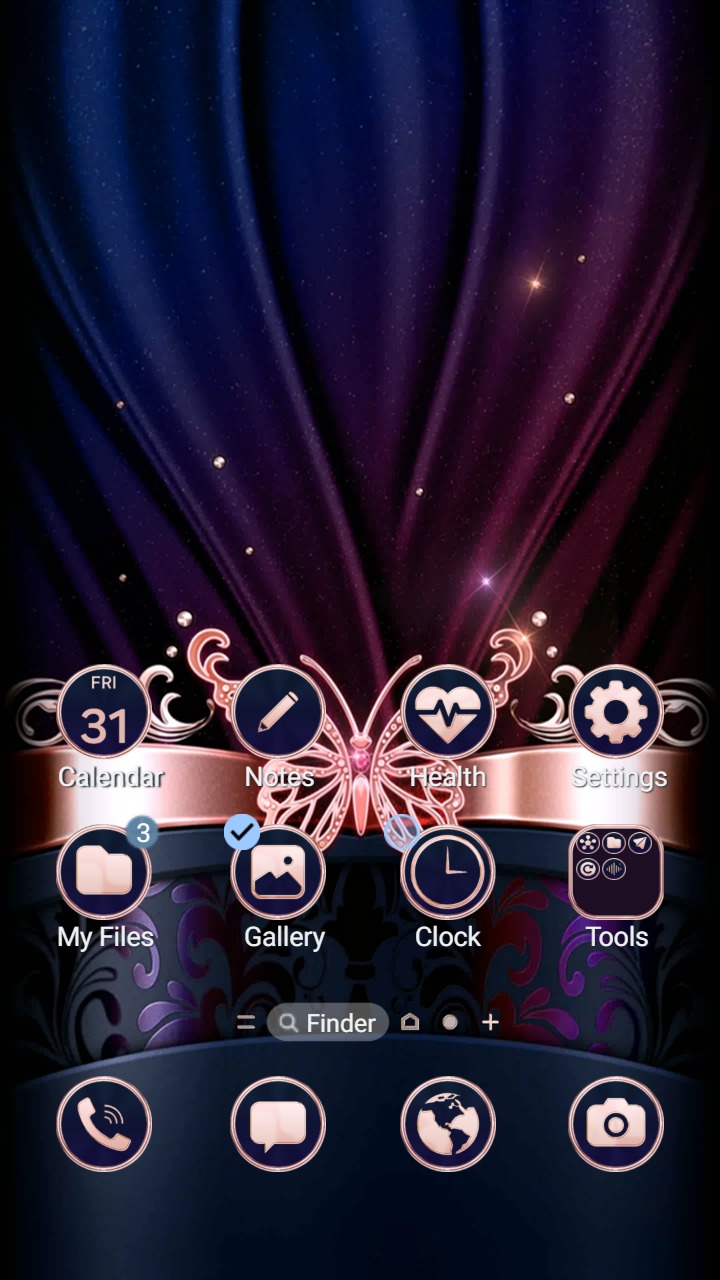
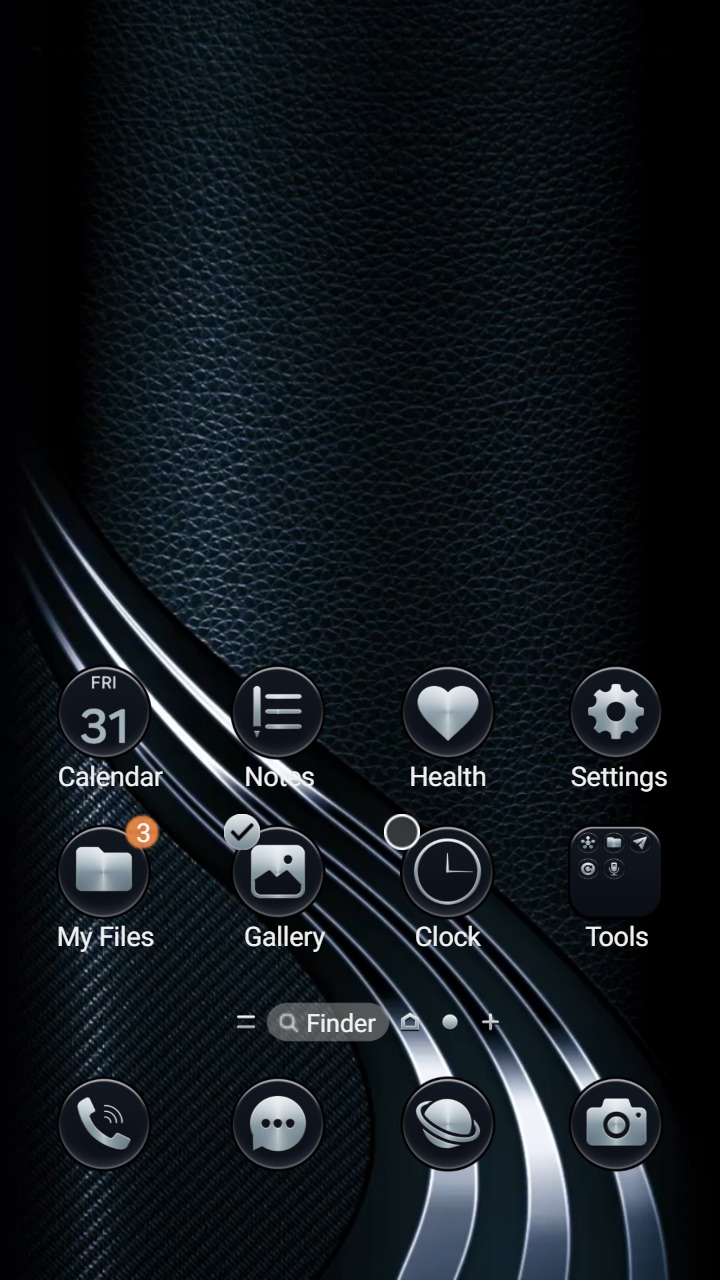
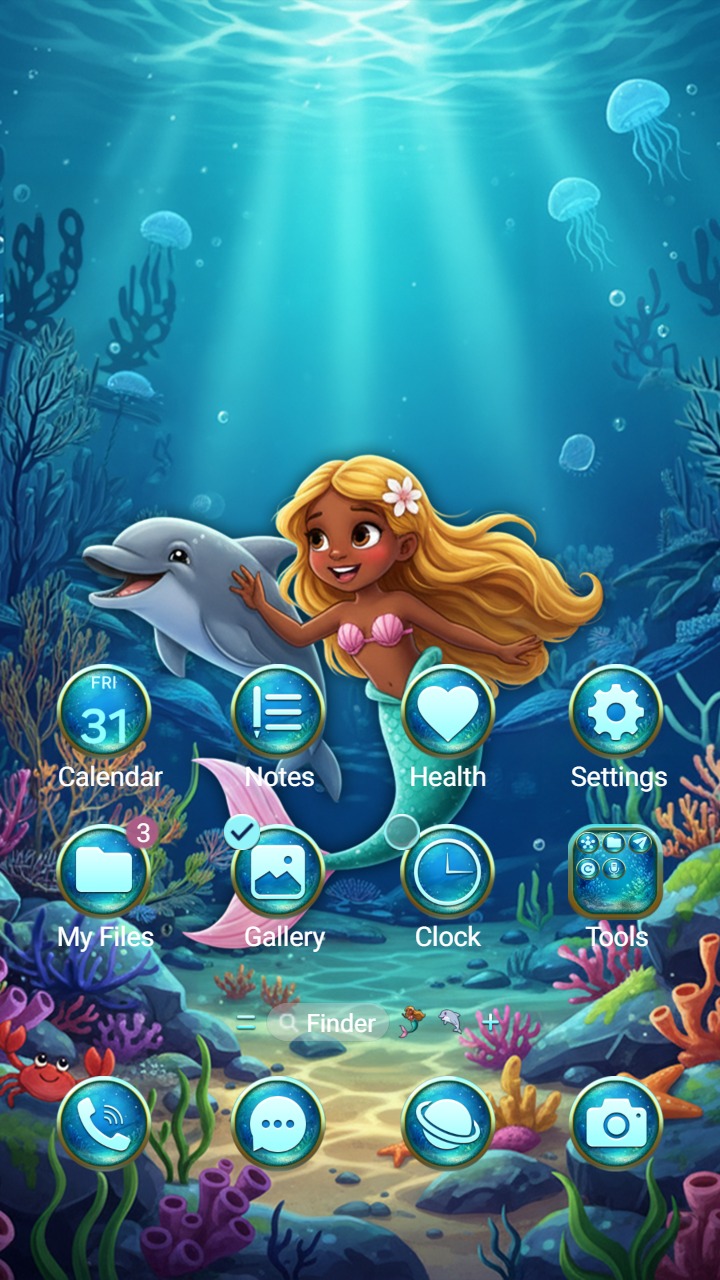
Create icons, AODs, wallpapers, or video wallpapers. We handle review, distribution, transparent accounting, and secure payouts.
EiD - THEME DESiGN has been creating mobile themes since December 2016. Our work brings wallpapers, icons and supported Samsung screens together in one design.
Our storyWe start with the wallpaper and choose the colors for the rest of the theme.
We design matching icons, backgrounds and supported app screens.
We check contrast, labels and the small details across the supported screens.
After store review, the theme is available in Galaxy Themes on compatible phones.
A wallpaper can look striking while small interface elements are hard to see. In a theme preview, inspect the Phone and Settings screens as well as the Home screen. Look for readable secondary labels, visible inactive icons, clear button text and a lock-screen clock that stands out from the artwork behind it.
A single foreground color may work over one part of an image and disappear over another. Check the smallest text over both the brightest and darkest parts of the background. Decorative outlines and shadows are not a substitute for a readable central shape. If a screen uses a photograph or textured artwork, a flat-color comparison alone cannot establish readability.
A preview documents one configuration. Your One UI version, supported Samsung apps and personal wallpaper can change the result. Match the release information to your device, then check the theme on the phone. Keep the theme name and version with any screenshot so a designer can reproduce a problem.
Our Samsung Theme Converter provides STP format conversion and a separate Visibility Check. The checker compares supported saved color pairs, including component icons, button labels and search input text. It does not render every screen or judge image backgrounds. Open the result in Galaxy Themes Studio and inspect the preview before exporting or submitting it.